Platform
Connect BigQuery, read-only
Pick project or organization, create the read-only role and key, test it and run the first scan.
Connect a read-only service account, scan your query history, and get a dollar figure per finding in under 10 minutes. 23 heuristic rules, each documented with the threshold that fired.
Execution-plan truth
Partition and CTE rules read job_stages READ operators, not a grep of the SQL text — so a WHERE clause that never reached storage still counts.
23 rules, all documented
No opaque score. Each finding names the table or query, the threshold, a sample job, and the estimated monthly savings.
Reservations without guesswork
JOBS_TIMELINE and RESERVATIONS_TIMELINE power on-demand vs Editions, idle baselines, contention, and PENDING share — fail-soft if the admin project is out of reach.
Attribution that names a person
dbt, Looker, Connected Sheets, Airflow, Dataform, scheduled queries, and console jobs are classified from job ids, job labels and comment headers.
The BigQuery-native cost scanner
Missing partition filter
READ stages with no storage-level predicate on a PARTITION BY table.
SELECT * over-fetch
Wide tables scanned with star, billed far beyond the columns a dashboard used.
Compute pricing model
On-demand bytes vs Editions slot-hours at list, on the same 30-day window.
Storage billing type
Logical vs physical dataset billing, plus stale unused heaps.
Reservation health
Idle baseline, slot contention, and PENDING share from per-minute timelines.
MERGE / CTE / clustering
Wholesale target rewrites, CTE re-reads, and CLUSTER BY gaps.
What we ask for
bigquery.jobs.create
Run INFORMATION_SCHEMA queries
bigquery.jobs.listAll
Read every user's job history
bigquery.datasets.get
Read dataset metadata
bigquery.tables.get
Read table metadata
bigquery.tables.list
List tables in a dataset
bigquery.reservations.list
List slot reservations
resourcemanager.projects.get
Read this project's metadata
bigquery.readsessions.create
Open a Storage Read session
bigquery.readsessions.getData
Stream rows from a Storage Read session
What we never ask for
roles/bigquery.dataViewer
The role that would grant access to table contents. Never requested.
The product tour and short walkthroughs, recorded on a real account. Each one has a voice-over.
The whole loop: see where the spend goes, rank the savings, and let the Cognis AI DBA ship the fix. With voice-over.
Inside · 1:25
Connect BigQuery, read-only
Pick project or organization, create the read-only role and key, test it and run the first scan.
Reading your spend dashboard
Month-to-date spend, forecast, pricing model and spend composition.
Working through savings findings
How findings are ranked, what the evidence shows and how they close.
Ask Cognis about your bill
Plain-English questions answered from your own cost data.
Chat with Cognis AI
Start from a suggested question, ask follow-ups, jump to the right page and keep every thread.
Reservations and slot usage
Spot idle baselines and contention before you resize a reservation.

A MERGE touching only yesterday can still rewrite the whole target. SlashPeak catches the missing partition filter from the plan, not the YAML.
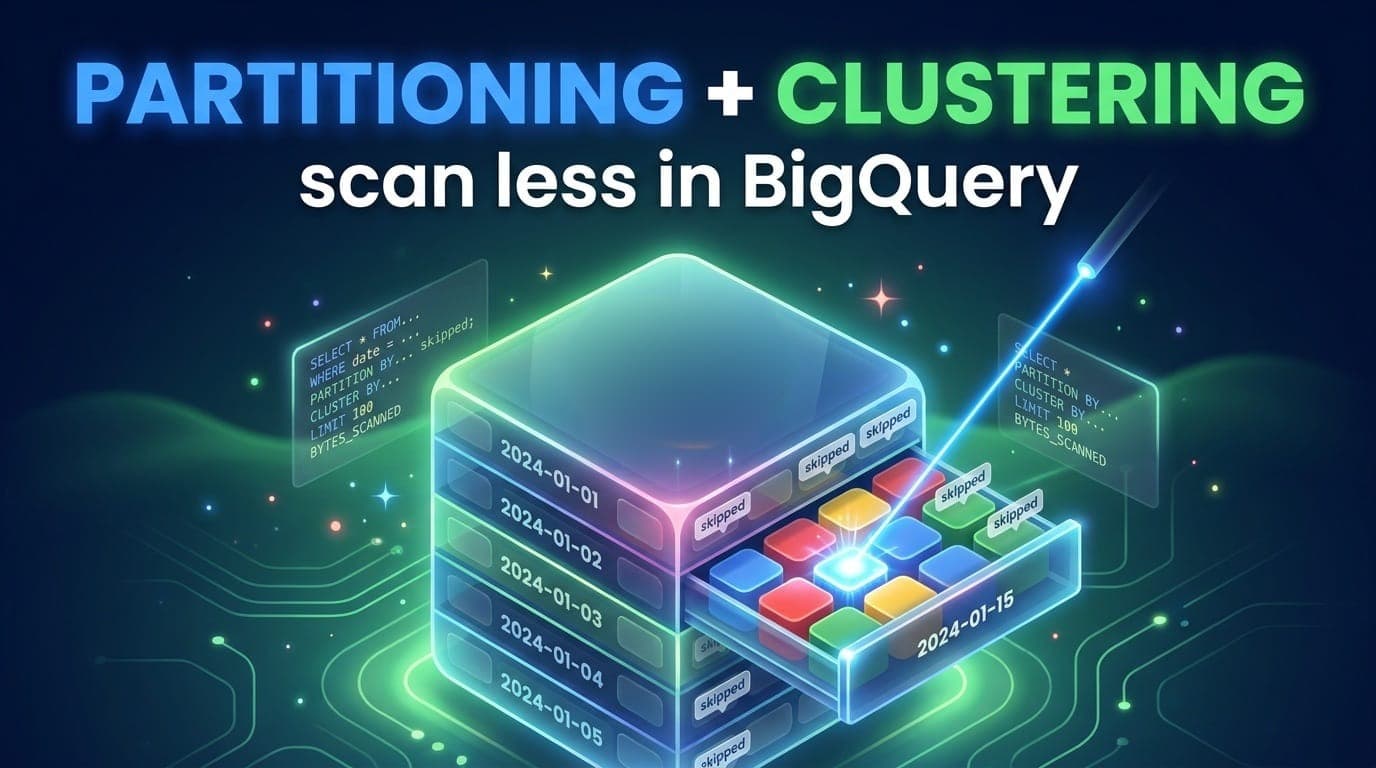
A DATE partition still reads every block in that day without CLUSTER BY on account_id. Clustering makes the partitions you paid for skip blocks too.

INTERACTIVE is a latency SLA for one workload, not a default. Ad-hoc humans hogging a shared reservation queue the finance dashboard behind console SQL.

BigQuery does not always materialize a CTE. Two references can mean two reads of the same 4 TB table. The SQL looks DRY; the execution plan is the invoice.

A slot is compute, a slot-hour is a billing line, and contention is demand sitting on the ceiling. Here is how BigQuery capacity works.
Understand, reduce and govern your cloud data spend with SlashPeak — starting today.