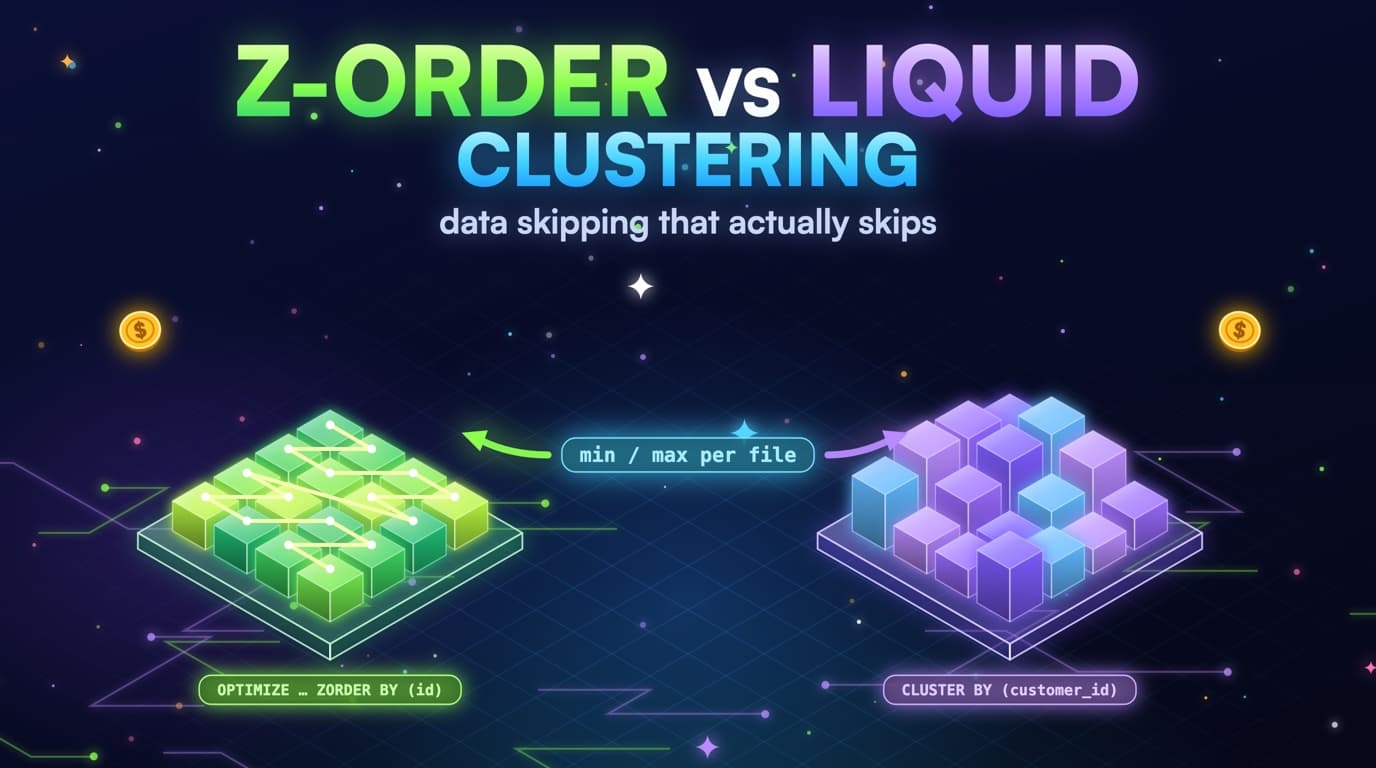
Skipping is stats on files, not a magic index
Delta collects min and max per file. ZORDER, or liquid clustering, co-locates rows so those ranges are tight on the columns you filter. A file whose user_id range is 1 to 10^9 cannot skip a point lookup. A file whose user_id range is a thousand ids can.
This is the same idea as Snowflake micro-partition min/max. Databricks just stores the maps in the Delta log next to the Parquet files. Photon reads the log, asks whether this file could contain status = paid, and skips it when the file's status range is only shipped and cancelled. If every file's status range spans the whole enum, skipping is a no-op and the OPTIMIZE job ran without producing any real benefit.
Liquid clustering is the current default recommendation on Databricks: it reclusters incrementally instead of requiring a full ZORDER rewrite. The cost lesson stays the same, though: cluster the columns the expensive jobs actually use. CLUSTER BY that does not match query.history filters is a background DBU job with no return.
Partition prune and data skipping are stacked, not interchangeable. Hive partitions drop directories; skipping drops files inside the directories that survived. If DATE(event_ts) already forced a full directory walk, ZORDER cannot save you. If event_date pruned to today and today's files are unclustered on status, skipping cannot save you either. Diagnose prune first, layout second.
Stats go stale the same way clustering goes stale. Fresh appends add files whose ranges are whatever landed in that micro-batch, and until compaction or liquid clustering rewrites them, those new files sit unclustered inside an otherwise tidy table. Streaming makes this a same-day problem, not a quarterly one.
Bloom filter indexes exist and are almost never the first move. They help some high-cardinality point lookups, but they do not replace clustering on the columns dashboards actually filter, and they add write cost. Without a measured skip miss on a specific column after clustering is already right, a bloom filter is not worth adding just because a blog post mentioned one.
Clustering tightens the min/max range per file
A clustered file's status range is narrow enough to skip. An unclustered file spans the whole enum, so Photon must open it to check.
Clustering the wrong columns still costs DBUs
ZORDER BY (ingest_id) because it is unique helps nobody. Unique keys make min/max on each file look like a wide range as soon as more than a handful of ids share a file. Dashboards filter event_date (partition) and status, user_id, or account_id, so match that list instead.
-- Liquid clustering (preferred on current Databricks)
ALTER TABLE analytics.events
CLUSTER BY (status, user_id);

-- Or periodic ZORDER on older tables
OPTIMIZE analytics.events
WHERE event_date >= CURRENT_DATE() - INTERVAL 7 DAYS
ZORDER BY (status, user_id);
OPTIMIZE without ZORDER still compacts files, which helps, but it does not tighten data skipping on the filter columns. A table that is well compacted and clustered on the wrong key is a fast full scan of fewer, larger files: footer overhead drops, the skip ratio stays at zero, and the Spark UI file counts look better while the DBU cost does not.
Column order in ZORDER and in CLUSTER BY is a bet on which predicate is most selective in the jobs that cost money, not on the table's primary key. Leading with a low-cardinality status and following with user_id is a common win for support-style lookups inside a day. Leading with a high-cardinality id and ignoring status is how every file still ends up containing every status.
-- Unique ingest_id looks selective in a schema review.
-- Min/max per file still spans most ids. Point lookups
-- on user_id / status skip nothing.
OPTIMIZE analytics.events
ZORDER BY (ingest_id);

ALTER TABLE analytics.events
CLUSTER BY (ingest_id);
Multi-column clustering is not free. Each extra column dilutes locality on the others. Two or three columns that appear together in the expensive fingerprints beat six columns copied from the dbt unique_key. Look at query.history, not at the schema.
Avoid ZORDERing the partition column; it is already a directory. ZORDER(event_date, status) on a table partitioned by event_date wastes the first slot. Cluster the columns you filter after the directory skip.
Picking a clustering key from query history
A unique id looks selective in a schema review, but its min and max span most of the table. Query history shows which columns the jobs actually filter.
ZORDER rewrites once; liquid clustering stays current
ZORDER is a rewrite you run. Liquid clustering is a layout the table maintains on its own. That difference matters on streaming facts: ZORDER BY on last night's partitions is stale by 4pm if Auto Loader has been appending all day, while CLUSTER BY lets Databricks recluster new data incrementally, including through predictive optimization, instead of a full OPTIMIZE pass every evening.
Migration is a table setting, not a one-time decision you have to defend forever. ALTER TABLE ... CLUSTER BY (status, user_id) on a table that used to ZORDER is the usual path. Avoid continuing to run OPTIMIZE ZORDER on a liquid-clustered table out of habit: you will fight the incremental writer and pay twice.
ALTER TABLE analytics.events
CLUSTER BY (status, user_id);

-- Optional: let Databricks manage compaction / clustering
ALTER TABLE analytics.events
SET TBLPROPERTIES (
  'delta.autoOptimize.optimizeWrite' = 'true',
  'delta.autoOptimize.autoCompact' = 'true'
);
Predictive optimization, where the workspace has it, schedules OPTIMIZE and clustering when the system expects it to pay off. It is not a substitute for picking the right columns. Predictive optimization running on CLUSTER BY (ingest_id) is just an automatic way to spend DBUs on the wrong locality. Set the columns from query.history first, then let predictive optimization keep them tight.
There are tables where periodic ZORDER is still fine: large batch facts rewritten once a day, no streaming, OPTIMIZE already built into the job. Do not switch a working batch layout to liquid clustering without a reason. Save that move for the Auto Loader table whose skip ratio collapses every afternoon.
Check clustering columns from catalog metadata, not from memory. DESCRIBE DETAIL shows clusteringColumns and partitionColumns in your workspace. SlashPeak will not DESCRIBE your user tables; it will use system schemas and query.history skip metrics, and it will say unknown rather than invent a CLUSTER BY.
ZORDER vs liquid clustering maintenance
ZORDER is a rewrite you schedule yourself, so new Auto Loader files sit unclustered until the next run. Liquid clustering reclusters new files incrementally.
Streaming writes undo the layout until compaction catches up
Auto Loader / Structured Streaming appends small files that are not ZORDERed. Auto-compaction and predictive optimization exist so you do not have to run OPTIMIZE by hand every hour. If they are off, today's partition is back to a pile of small files by 4pm.
File counts from the Delta log plus query.history bytes on today's partition are the pair to watch. High file count plus bytes approximately equal to table size on a filtered job is the finding. High file count plus bytes that already dropped after a partition filter is footer overhead, not a clustering miss. Separate the two, or you will ZORDER a table whose real bug is DATE(event_ts).
optimizeWrite on the writer is the cheaper half of compaction: fewer files at commit time. autoCompact handles the other half on the read side. Turning on one without the other is a half fix. Turning on both without a partition filter is still a full scan, just with larger files.
Trigger intervals matter. A 1-second trigger on a low-volume stream is a tiny-file machine. A 5-minute trigger with optimizeWrite often lands files that skipping can use even before OPTIMIZE. Cost of latency versus cost of files is a product decision. Put it on the same page as CLUSTER BY, because they fight the same skip ratio.
Do not OPTIMIZE the entire history every hour. WHERE event_date >= CURRENT_DATE() - INTERVAL 2 DAYS is the streaming window. Historical partitions are static; reclustering them once is enough until a backfill lands. Backfills should OPTIMIZE the backfilled dates explicitly, or they will sit as unclustered blocks forever and quietly ruin skip stats for range queries that include them.
High cardinality and the min/max trap
Min/max skipping needs locality. A uniformly random user_id in every file produces a min near the smallest id and a max near the largest. Every file looks like it might contain the id you asked for. Clustering exists to destroy that uniformity on the columns you care about.
Timestamps as clustering columns run into the same problem when they are ingest time and the filter is event time, or when they are so unique that each file's range is huge relative to a point lookup. Date as a Hive partition, not as a ZORDER column, is the usual answer. Cluster the attributes you filter inside the day.
Skewed keys are the opposite problem. If 80 percent of rows are status = paid, files will mostly look like paid even after clustering. Skipping still helps the rare status values. It will not make paid cheap. For the dominant value, partition prune plus column projection plus a mart is the path, not a tighter ZORDER.
SELECT star on a wide clustered table still reads every column of the files it did not skip. Skipping is not column pruning. Column pruning is Parquet footers doing their job on the projected fields. A dashboard that needs eight columns should not SELECT star, clustered or not. That finding is separate, and still worth ranking, because wide Delta tables make even a well-skipped file expensive.
-- Clustering helps the WHERE. Projection helps the SELECT.
SELECT user_id, status, amount
FROM analytics.events
WHERE event_date = CURRENT_DATE()
  AND status = 'paid';
-- Not: SELECT * FROM analytics.events WHERE DATE(event_ts) = CURRENT_DATE()
Measuring skip ratio without reading the table
When query.history exposes read_files and pruned_files, skip ratio is pruned_files / (read_files + pruned_files). Near zero on a job that filters a column you claim to cluster is the clustering-gap finding. Near one on a job that still reads terabytes is a prune miss, or a table that is huge even after skip: those are different tickets.
SELECT
  LEFT(statement_text, 160) AS statement_head,
  COUNT(*) AS runs,
  SUM(read_bytes) AS bytes,
  SUM(read_files) AS read_files,
  SUM(pruned_files) AS pruned_files,
  SUM(pruned_files) / NULLIF(SUM(read_files) + SUM(pruned_files), 0)
    AS skip_ratio
FROM system.query.history
WHERE start_time >= CURRENT_DATE() - INTERVAL 30 DAYS
  AND execution_status = 'FINISHED'
  AND statement_text ILIKE '%analytics.events%'
GROUP BY 1
ORDER BY bytes DESC;
-- skip_ratio near 0 on a 'filtered' job is the clustering gap.
-- If pruned_files is NULL in this channel, fail soft.
If those columns are missing, fall back to read_bytes versus an expected partition slice. A table of 8 TB across 400 days, queried for one day, should not read 8 TB. If it reads 20 GB, skip is probably working and the rest is width or tiny files. If it reads 7.6 TB, skip is not working, whatever the DDL says. This estimate is coarse, and still better than grepping ZORDER in a README.
Avoid selecting from the fact just to sample min/max. That runs the scan you are trying to avoid, and it grants a tool the one permission SlashPeak will never ask for. Catalog metadata plus query metrics are enough to put a table on a design review. Row-level proof is what you do in a notebook after you already know which table.
Re-measure after OPTIMIZE or after CLUSTER BY. The same fingerprint should move. If it does not, your clustering columns still do not match the WHERE clause, the predicate is still wrapped in a function, or the job is reading a view that scans a different table. A layout change that does not move query.history did not actually fix anything.
Layout is a lifecycle
Partition coarse, cluster the real filters, and compact on the write cadence. Re-check query.history after OPTIMIZE: if bytes_read does not drop, the key still does not match the WHERE clause.
Write the lifecycle into the pipeline, not into a runbook. A weekly OPTIMIZE job with a WHERE on recent dates, liquid clustering on the live table, and a backfill checklist that includes OPTIMIZE of the backfilled dates will beat a brilliant CLUSTER BY that nobody maintained after the first demo.
Review clustering columns when the expensive fingerprints change. A table that was clustered for support lookups and is now used for a finance rollup by account_id has the wrong locality. query.history is the product spec for layout. Schema is not.
Keep Hive partitions boring. Date, maybe hour for extreme volume, never user_id. Let clustering take the selective columns. The shops that partition on everything they filter recreate HDFS directory pain inside Unity Catalog and then wonder why listing files is the new scan.
How SlashPeak will rank clustering gaps
The Databricks scanner (coming soon) will treat clustering gaps as a sibling of prune misses, not as the same finding. A job that never reached the partition column is a full scan. A job that pruned the day and still read every file in the day is a layout gap. Mixing them produces an OPTIMIZE ticket for a DATE() bug.
Inputs stay in system tables: query.history metrics, warehouse DBU rates, and whatever clustering / table metadata the system schemas expose. No SELECT on user catalogs. No OPTIMIZE run from the product. No ALTER TABLE CLUSTER BY applied on your behalf.
Dollar math will use warehouse duration on the matching fingerprints, the same way idle warehouse findings use DBU-hours with no jobs. If skip counters are missing, the finding will stay advisory rather than invent a skip ratio. Conservative skip is the point of recommend-only software that wants to be believed.
Join the waitlist from the Databricks product page. The first workspace connection will be SELECT on system.query.history and system.compute.warehouses, and nothing that can read analytics.events.
Takeaways
- ZORDER and liquid clustering tighten min/max so Photon can skip files. The wrong columns skip nothing.
- Partition prune and data skipping stack. A DATE() wrapper makes clustering irrelevant until you fix the predicate.
- Streaming writes recreate tiny unclustered files. Compaction is part of the layout, not a one-off.
- Liquid clustering reclusters incrementally. Periodic ZORDER is still fine on batch facts; it is stale by afternoon on Auto Loader.
- Unique ingest ids and uniformly random keys produce wide min/max. Cluster the columns the expensive jobs actually filter.
- Measure skip ratio from query.history file counters, or from bytes versus a plausible partition slice. Do not SELECT the fact to prove a skip miss.
- SlashPeak will rank clustering gaps next to prune misses so OPTIMIZE is not confused with a WHERE-clause fix (coming soon, metadata only).